The safe way to import photos and video.
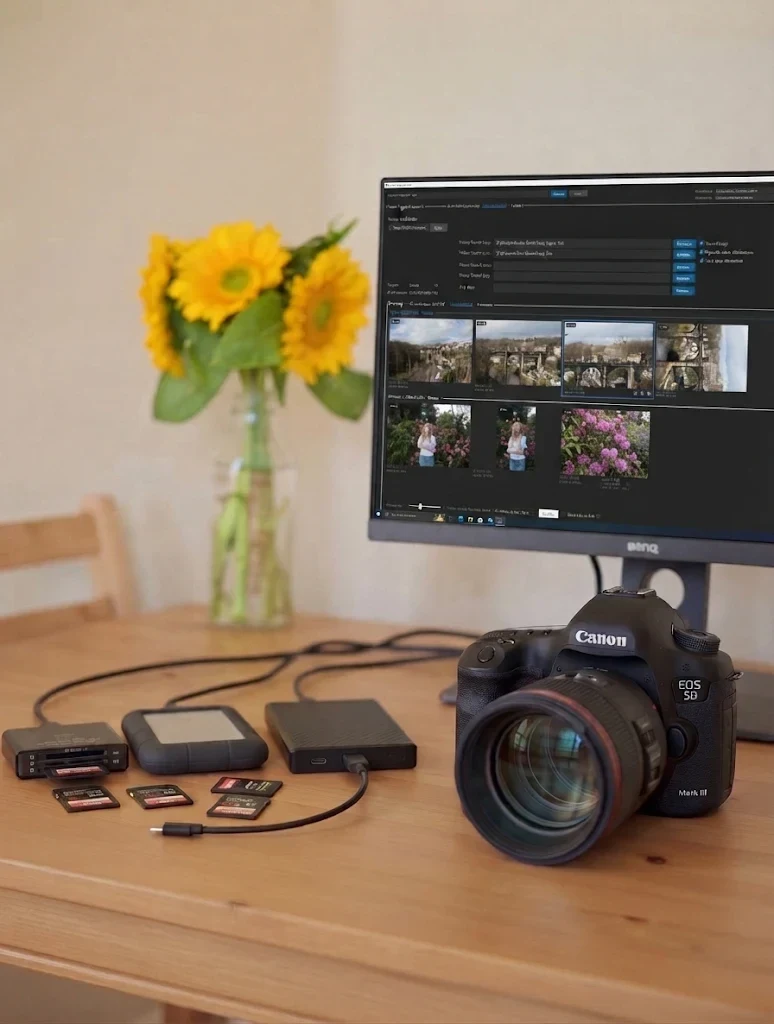
Built for photographers, videographers and studios who cannot afford to lose a single file. Every copy is checked, a backup is made in the same pass, and you know exactly when your card is safe to format.
The beta list opens on November 12.
Want a place? Email [email protected] and we will send you the sign-up link.
What the video shows
A screen recording with no sound. The tool scans a memory card and groups its photos by shooting date into three groups, which are then named. After Import, a progress window shows live speed charts for the master copy and the second copy. When it finishes, every file is marked as imported and copied, and a green bar says: “Imported successfully — safe to reformat card”.
Peace of mind, from card to backup.
Three things every import should do, and most tools do not.
Every copy is checked.
Each file is written, read back from the drive and compared with the card. Only a file that matches gets its real name, so a failed copy can never pass as a good one.
Know when it is safe to format.
The tool says “safe to reformat” only when two verified copies exist and nothing was left behind. With one copy, it tells you plainly to wait.
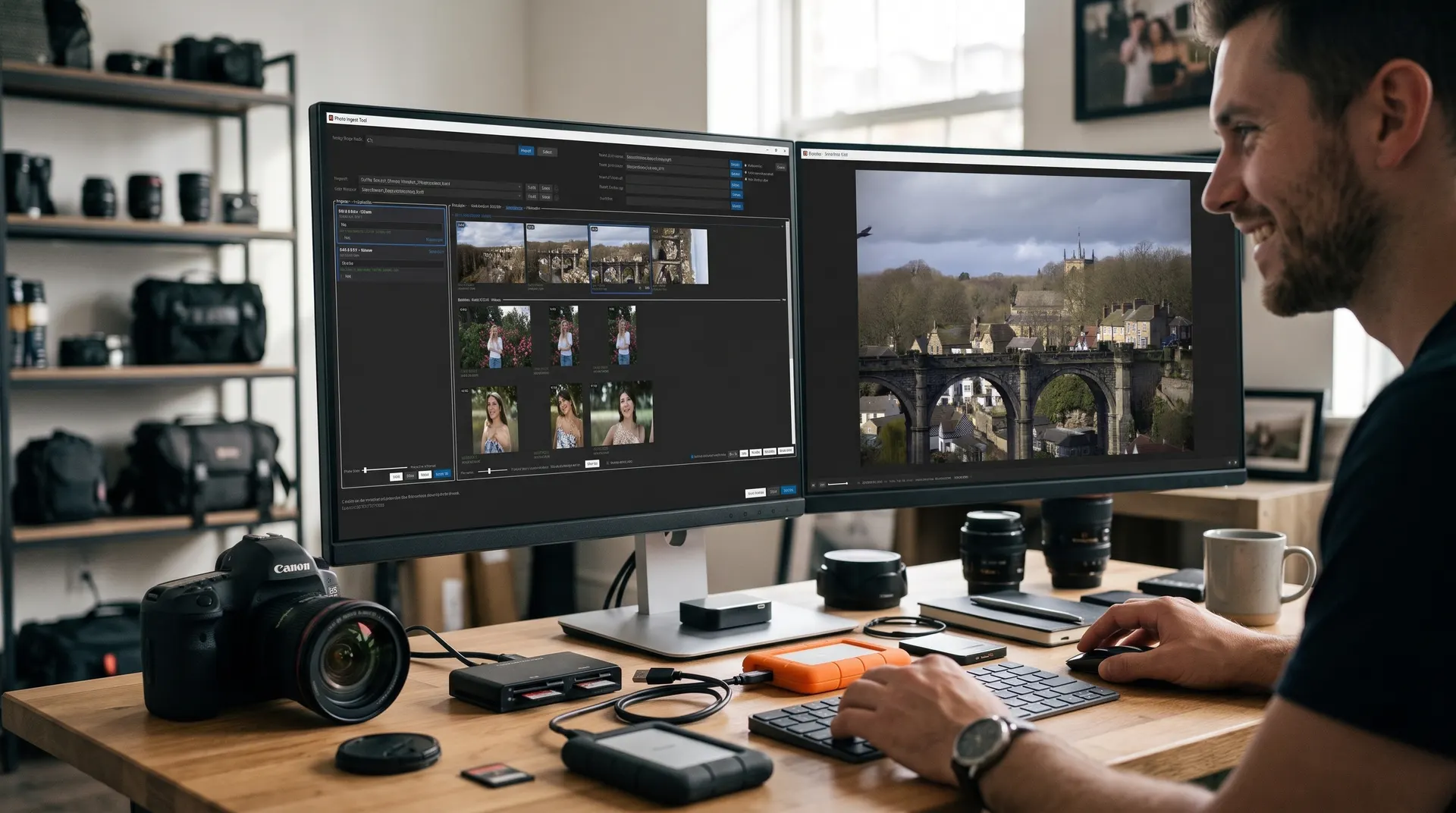
Your backup, in the same pass.
The card is read once. A master copy and a second copy go to separate drives or a NAS, and the card is free as soon as the master copy is done.
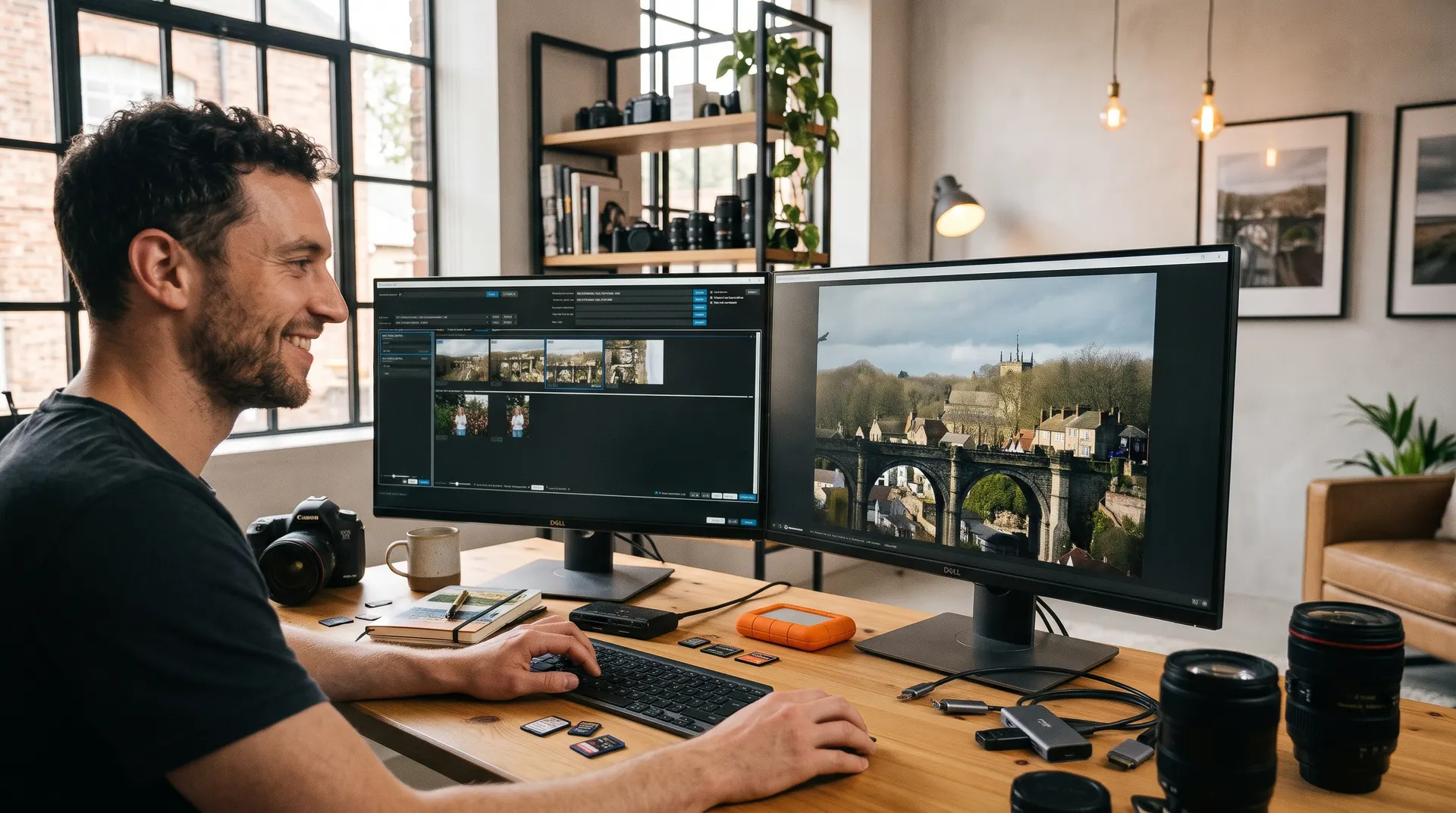
Made for real shoots, big cards and slow drives.
Custom automatic grouping
Files are grouped by shoot automatically. Set the time gap yourself, then merge, split or name groups, and build the folder structure you want.
Folders by date and project
Name folders and files your way with templates: date, project, camera and original name.
Picks up where it stopped
Drive unplugged or laptop closed? Run it again and it continues. Nothing verified is copied twice.
Fast on any connection
Tuned for slow card readers and fast NAS links, with live transfer speed charts.
RAW+JPEG pairs and video
Photo pairs, video clips and their sidecar files are kept together.
Never touches your card
It never deletes or formats anything. You format in the camera, after a clean report.
A report for every import
Every file and its checksum is listed, so the copies can be checked again at any time.
Preview and group first
See a thumbnail of every photo and video before you import. Skip what you do not need.
Full-screen second monitor
Open the selected thumbnail full screen on a second monitor while you sort.
Three steps. No guessing.
Installs in your own Windows profile. No administrator rights needed.
Insert your card
Right-click the card or choose the tool in AutoPlay. It scans the card and groups your files by shooting day.
Choose where copies go
Pick your master drive and your backup. Preview the folder names before anything is copied.
Import and read the verdict
Every file is copied and checked. The report tells you whether the card is safe to format.
Runs on the PC you already have.
No powerful computer needed. It is built to work well on older and slower PCs too.
System requirements
- Windows
- Windows 10 or Windows 11, 64-bit
- Install
- No administrator rights needed. It installs in your own user profile.
- Extras
- Nothing else to install. Everything it needs is built in.
- Storage
- Any card reader, USB drive or network drive (NAS) that Windows can see
- Mac
- Planned after the beta
Command-line version
Planned for the full release: the same verified copies and reports, run from a script or a scheduled task. Made for studios that automate their workflow.
PhotoIngestToolCli ingest E:\
  --master D:\Photos
  --second-copy \\nas\photos
Try it free. Save 25% when you buy.
For joining early and helping us test.
Free for 2 months
Use the full beta free for 2 months on Windows 10 and 11. We email you the download link as soon as it is ready.
Your own 25% off code
Buy the full version with a personal, one-time 25% off code. It works during the beta and for one month after.
Help shape the tool
Tell us how you work and what you need. Beta members’ answers decide what we build next.
Questions and answers
Something else? Email us at [email protected].
We are finishing it now. Join the list and we will email you as soon as it is ready to download.
The beta is free to use for 2 months. After that, you can buy the full version with your own one-time 25% off code, which we email you. The code works during the beta and for one month after it ends. Prices are announced before the beta ends.
The beta is for Windows 10 and 11. A Mac version is planned after the beta. Tell us on the sign-up form if you need it, so we know how many people are waiting.
No. It only reads from the card. It never deletes, moves or formats anything there. You format the card in your camera, after the report says it is safe.
It reads the card as normal files, so it works with cards from any camera or drone. RAW+JPEG pairs, video clips and their sidecar files are kept together.
We use it only for beta news and your early-supporter offer. Every email has an unsubscribe link. Read the privacy notice.
Be among the first to try it.
Free for 2 months on Windows 10 and 11, then 25% off with your own code.